To access results for your herd, you need to sign into the Angus.Tech platform using a username, usually your mobile phone number, email address or Angus Australia member ID, and a password.
If you do not have an existing username linked to your Angus Australia Member ID, a username and password will be forwarded to you shortly after your Angus HeiferSELECT order is received.
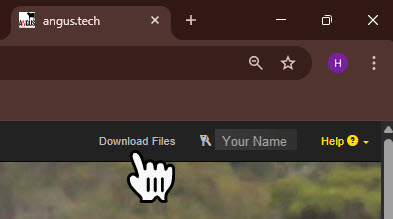
Once logged in to Angus.Tech navigate to your member “Download Files” section (located in the top right-hand corner next to your name).
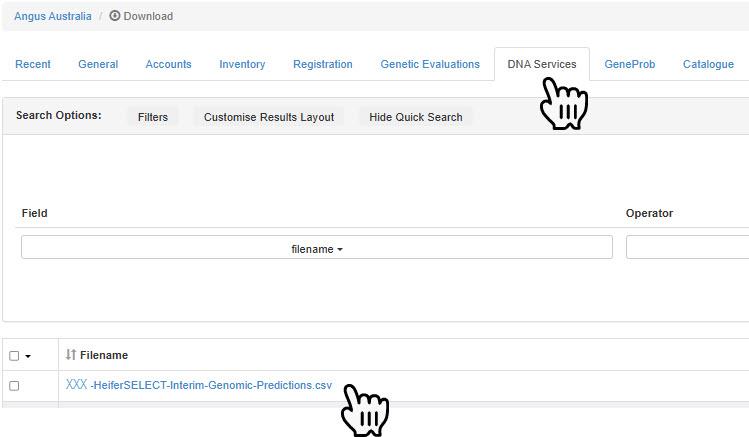
Select the “DNA Services” Tab and locate the file. This file is named:
“XXX-HeiferSELECT-by-AngusGenetiQ.csv”
(where XXX = your member ID)
Angus HeiferSELECT results are generated weekly. As genotypes are processed and added to the analysis, newly available results will continue to appear in the same CSV file.